
How to Deposit Money in SM999 Game
In the SM999 Game the main and important part is depositing the fund; the deposit means adding money to your game account, but you should check the payment details, limits, and game rules. The payment method and processing time may change whenever.

What is Deposit In SM999 Game
The deposit means adding funds to your game account. When you deposit your amounts, the balance will show in your game account, and then you can use this balance for playing games. But you should take care of your account number payment detail and the amount you want to deposit..
How to Deposit Funds
Log in to the game
First of all, open the website or apps for the SM999 Game & log in to your registered account, but you should check your details, such as username, password, and number.
Open the Deposit option
When you log in to your game account open the wallet section and click on the deposit.
Select the Payment Method
When you click on deposit, check the available method of payment, and select the suitable method for you. Just use those payment details that are available in SM999 Game Platform.
Enter the Deposit Amount
Now put the amount that you want to deposit, but you should check the minimum and maximum deposit limits.
Complete Payment
Follow the instructions given on the screen; if the transaction ID and reference number are available, save them on your phone. After the complete depositing method, check your balance in your game account.
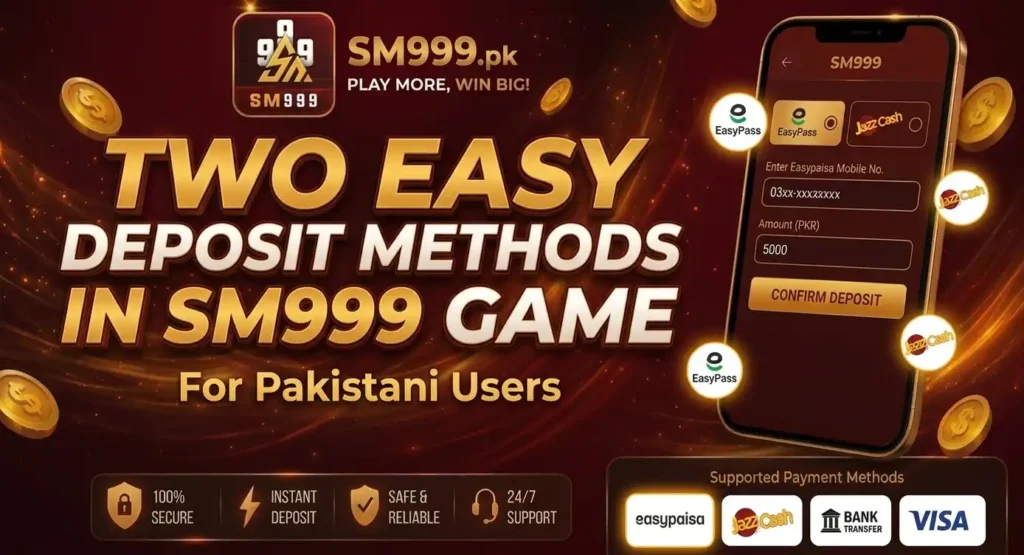
Depositing Method of SM999 Game
There are two main depositing methods In SM999 Game for Pakistani users
SM999 Daily Deposit Limits
| Deposit Type | Minimum Amount | Maximum Amount |
|---|---|---|
| Daily Deposit | Rs. 100 | Rs. 100,000 |
| Single Deposit | Rs. 100 | Rs. 50,000 |
Note: Deposit limits may vary depending on the payment method and account. Always check the latest deposit limits in your SM999 account before making a payment.
Final Thoughts
Before making a deposit on SM999, carefully check the available payment method, deposit limits, and account details. Always use the latest payment information provided by the platform and keep your payment receipt or transaction ID for reference. If your balance does not update after payment, check the transaction status first instead of making another payment.
After completing the method, wait a little moment; your balance will show in your account when dose not show the balance, you can contact customer service they will respond 24/7.